by Anne Clark | Jan 8, 2026 | Business
Video content has become one of the most powerful tools for businesses wanting to show up online. From social media reels to website introduction videos, video helps brands connect with their audience faster than almost any other format.
But creating video content regularly can also be time-consuming.
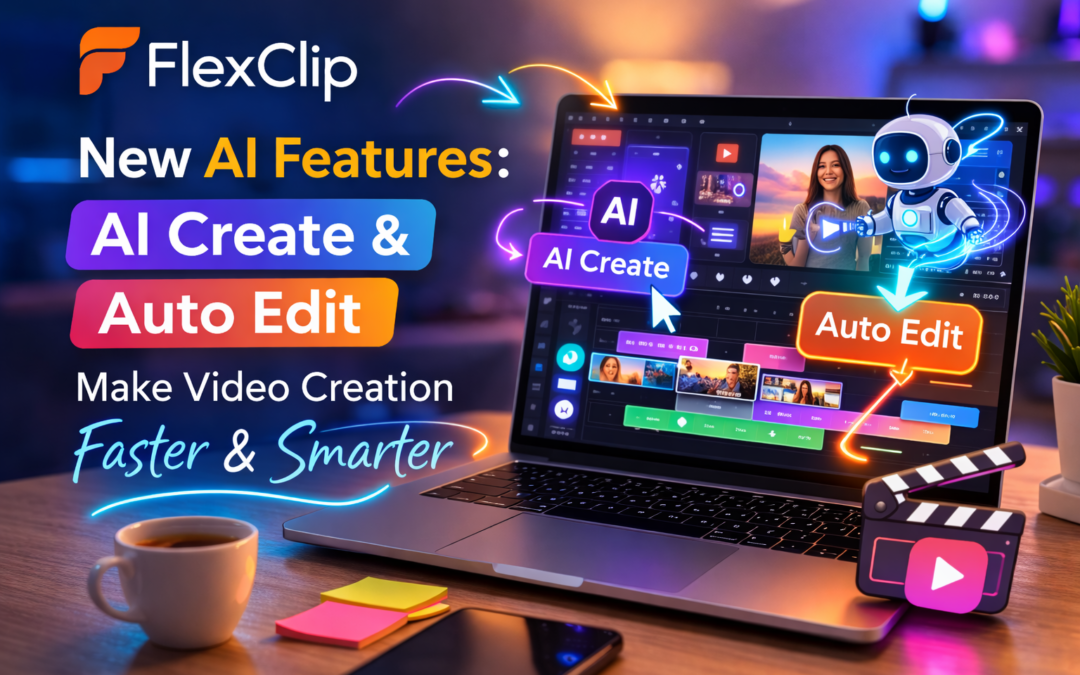
That is why tools like FlexClip continue to evolve. The platform has recently introduced two new AI-powered features that make video creation even easier: AI Create and Auto Edit.
For marketers, business owners, and content creators, these tools are designed to turn ideas or raw clips into polished videos in minutes.
What Are FlexClip’s New AI Video Features?
FlexClip’s new tools focus on simplifying the video creation process by using artificial intelligence to handle much of the heavy lifting.
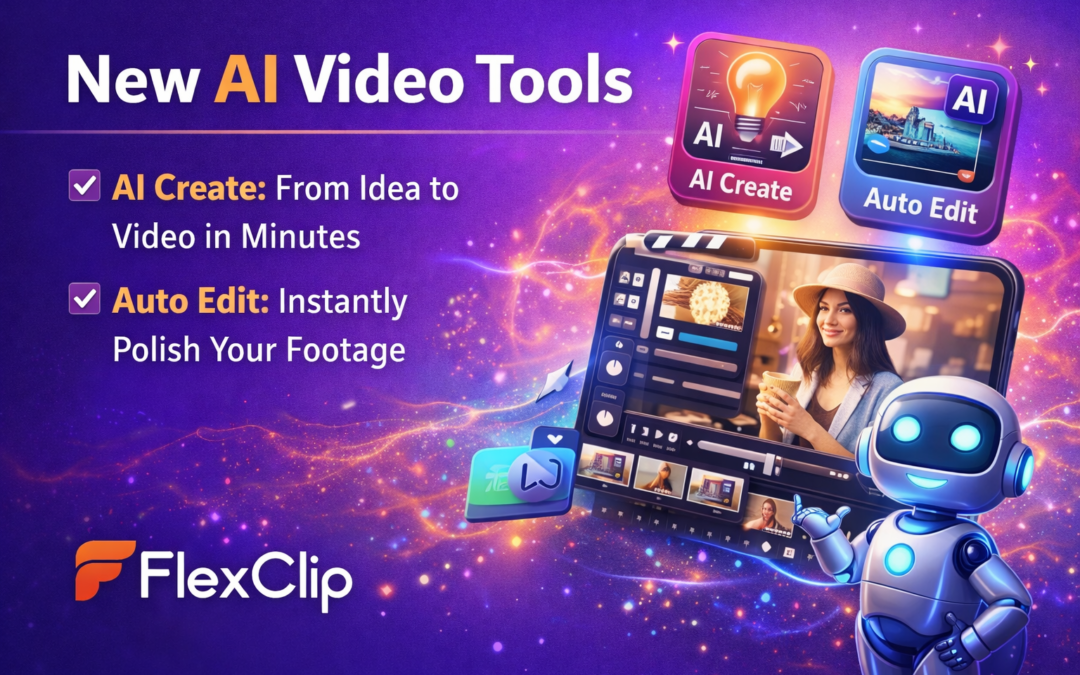
The two key updates include:
Both tools are designed to help users produce professional videos faster, even if they have little or no editing experience.
You can explore these new features here:
https://www.flexclip.com/ai-video-magic
AI Create: Turn an Idea Into a Video in Minutes
One of the most impressive new additions is AI Create.
Instead of starting with a blank timeline, you simply describe the video you want to create. The AI then generates a complete video structure for you.
This can include:
-
Video clips
-
Scene layouts
-
Text overlays
-
Music suggestions
-
Transitions
Essentially, the AI builds the foundation of your video automatically.
For business owners who struggle with where to start, this feature removes the biggest barrier to creating video content.
You can simply enter a prompt such as:
“Create a promotional video for a wellness coach”
or
“Create a social media video introducing my consulting services.”
Within moments, FlexClip generates a video draft you can customise.
For marketers managing multiple accounts, this dramatically speeds up content production.
Auto Edit: Turn Raw Clips Into a Polished Video
The second new feature, Auto Edit, is equally useful.
Instead of manually editing clips, you upload your raw footage and FlexClip automatically turns it into a finished video.
The AI can:
This is particularly useful for people who have video footage but do not want to spend hours editing.
For example, if you have recorded:
Auto Edit can quickly assemble them into a professional-looking video.
For social media managers, this feature is a huge time saver.
Why These AI Tools Matter for Business Owners
Many business owners know they should be creating video content but feel overwhelmed by the editing process.
AI tools like these are changing that.
With FlexClip’s AI features, you can now:
-
Create videos faster
-
Reduce editing time
-
Generate ideas when you feel stuck
-
Turn raw clips into usable content
-
Maintain consistent content output
This means more businesses can start using video without needing professional editing skills.
Ideal Uses for FlexClip’s AI Video Tools
These new features are particularly useful for creating:
Instead of spending hours building a video from scratch, you can generate a starting point in minutes and customise it to suit your brand.
Why Tools Like This Are Changing Content Creation
AI video tools are transforming the way businesses create content.
What once required expensive editing software and technical skills can now be done through simple online tools.
FlexClip’s AI Create and Auto Edit features are designed to make video production more accessible, especially for small business owners, marketers, and content creators who need to produce regular content.
For me, tools like this are incredibly helpful when creating reels for clients or building quick promotional videos for websites.
They remove much of the friction that traditionally slowed down video production.
Making Video Marketing Simpler
If you are creating video content for your business or clients, FlexClip’s new AI features are definitely worth exploring.
AI Create helps generate ideas and structure videos quickly, while Auto Edit transforms raw footage into polished content without the usual editing time.
Together, these tools make video marketing simpler, faster, and far more accessible.
And when video becomes easier to produce, businesses are far more likely to show up consistently online, which is exactly what good marketing requires.
by Anne Clark | Dec 12, 2025 | Business
When someone visits your website for the first time, you only have a few seconds to capture their attention.
One of the most effective ways to do that is through video.
Website introduction videos help visitors understand who you are, what you offer, and why they should work with you.
For many of my clients, I create these videos using FlexClip.
Why Website Videos Matter
People consume content differently online today.
Instead of reading long blocks of text, visitors prefer quick visual explanations that help them understand a business quickly.
A short introduction video on your website can:
-
Build trust with visitors
-
Explain services clearly
-
Increase time spent on your website
-
Help people connect with the person behind the brand
For service-based businesses especially, video helps potential clients feel more confident about reaching out.
Why I Use FlexClip for Website Videos
When creating introduction videos for clients, I need something that is efficient but still produces high-quality results.
FlexClip makes that process simple.
Easy to Create Professional Looking Videos
FlexClip allows you to create business videos quickly using built-in templates and editing tools.
Instead of building every element manually, I can:
Within minutes we have a polished video ready for their website.
Large Library of Stock Media
Another benefit is the built-in library of stock images, video clips, and music.
FlexClip gives you access to a large collection of media assets, which makes it easier to create visually engaging videos even when clients do not have professional footage available.
This is especially helpful for small businesses that are still building their brand content.
Ideal Length for Website Videos
Most website introduction videos work best when they are short and clear.
Typically I recommend videos between 30 and 90 seconds.
This gives enough time to introduce the business, explain the offer, and build a connection without overwhelming the viewer.
FlexClip makes it easy to trim clips, adjust timing, and structure the story so the video flows smoothly.
When Website Introduction Videos Work Best
Not every website needs a video, but many businesses benefit from them.
I often recommend website introduction videos for:
-
Coaches and consultants
-
Personal brands
-
service-based businesses
-
course creators
-
speakers and authors
These types of businesses rely heavily on trust and connection, and video helps establish both.
Templates That Help When You Feel Stuck
One feature I particularly appreciate in FlexClip is the template library.
Sometimes you know what message you want to communicate but you are not sure how to structure the video.
Templates help solve that problem.
They provide ready-made video structures that guide the storytelling process and help you turn your ideas into a finished video quickly.
Bringing Your Website to Life With Video
Video is becoming an essential part of digital marketing.
Whether you are creating reels for social media or introduction videos for your website, having the right editing tool makes the process much easier.
FlexClip allows business owners and marketers to create professional videos without the complexity of traditional editing software.
For me, it has become one of the simplest ways to create engaging video content for clients and help their websites feel more dynamic and personal.
by Anne Clark | Oct 10, 2025 | Business, Social Media, Social Media
Video content is no longer optional for businesses. Whether you are building a personal brand, running a service-based business, or selling products online, short-form video is one of the most powerful ways to connect with your audience.
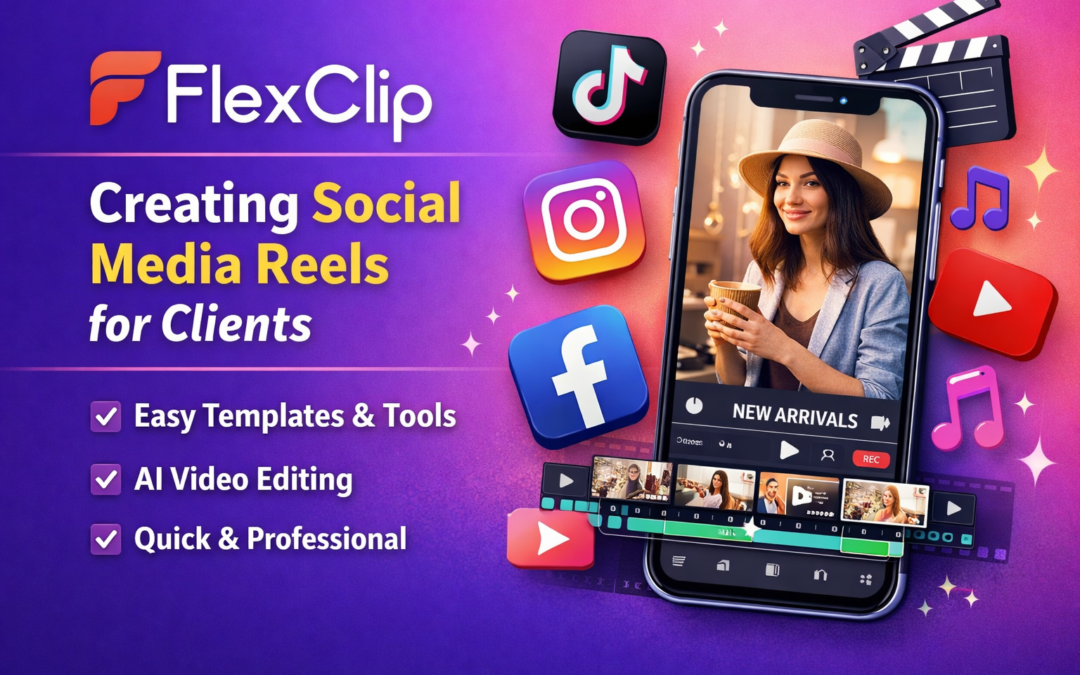
As a digital marketer managing social media for clients, I am constantly creating reels, short videos, and website intro clips. Over the years I have tried many video editing tools, but one platform I keep returning to is FlexClip.
It has become one of my favourite tools because it makes creating professional looking videos quick, simple, and surprisingly enjoyable.
What Is FlexClip?
FlexClip is an online video editor designed to help creators and businesses produce professional videos quickly without needing advanced editing skills. The platform includes AI tools, templates, stock media, music, and simple drag-and-drop editing features.
Instead of spending hours editing videos manually, FlexClip allows you to build engaging content in minutes.
For busy business owners or social media managers like me, that efficiency is incredibly valuable.
Why I Use FlexClip for Client Reels
Creating reels for clients means producing consistent content that looks polished while staying on brand.
FlexClip helps me do that quickly.
Here are some of the reasons it has become part of my regular workflow.
It Makes Video Creation Fast
When you manage multiple client accounts, speed matters.
FlexClip allows you to upload footage, trim clips, add music, include captions, and export a finished video without complicated editing processes.
Because everything is browser-based, there is no software to download or update.
You simply log in and start creating.
The Templates Are a Lifesaver
One of the things I love most about FlexClip is the huge range of templates.
Some days creativity flows easily. Other days you stare at the screen wondering where to start.
That is when templates become incredibly useful.
FlexClip offers professionally designed templates for social media, promotional videos, business intros, and more.
Instead of building a video from scratch, you can choose a template, swap in your client’s content, adjust colours or text, and export.
It saves hours.
Perfect for Short-Form Content
FlexClip makes it easy to adjust the aspect ratio of videos so they work across different platforms.
Whether you are creating content for:
-
Instagram reels
-
TikTok
-
YouTube shorts
-
Facebook videos
-
LinkedIn posts
You can optimise the video size in one click.
This is especially helpful when repurposing the same video across multiple platforms.
Built-In AI Tools Help Speed Up the Process
FlexClip also includes several AI features that make content creation faster.
Some of the tools I regularly use include:
-
Automatic subtitle generation
-
AI text-to-video creation
-
Voiceover tools
-
Script generation assistance
-
AI image tools
When you are producing content regularly for multiple clients, these features help streamline the process and save valuable time.
A Great Tool for Beginners and Professionals
One of the best things about FlexClip is that it works for both beginners and experienced marketers.
You don’t need professional editing skills to create great looking videos. The interface is simple and intuitive, which means even someone new to video editing can produce professional results quickly.
At the same time, it offers enough flexibility for marketers and content creators who produce video content regularly.
Why It Has Become Part of My Content Workflow
FlexClip has become one of those tools I rely on regularly when creating social media content for clients.
It allows me to produce reels quickly, maintain brand consistency, and keep content flowing without spending hours editing videos.
For business owners who want to show up consistently online, tools like this make video marketing far more manageable.
If you are creating regular video content for your business, FlexClip is definitely worth exploring.
by Anne Clark | Sep 20, 2024 | Business, Digital Marketing
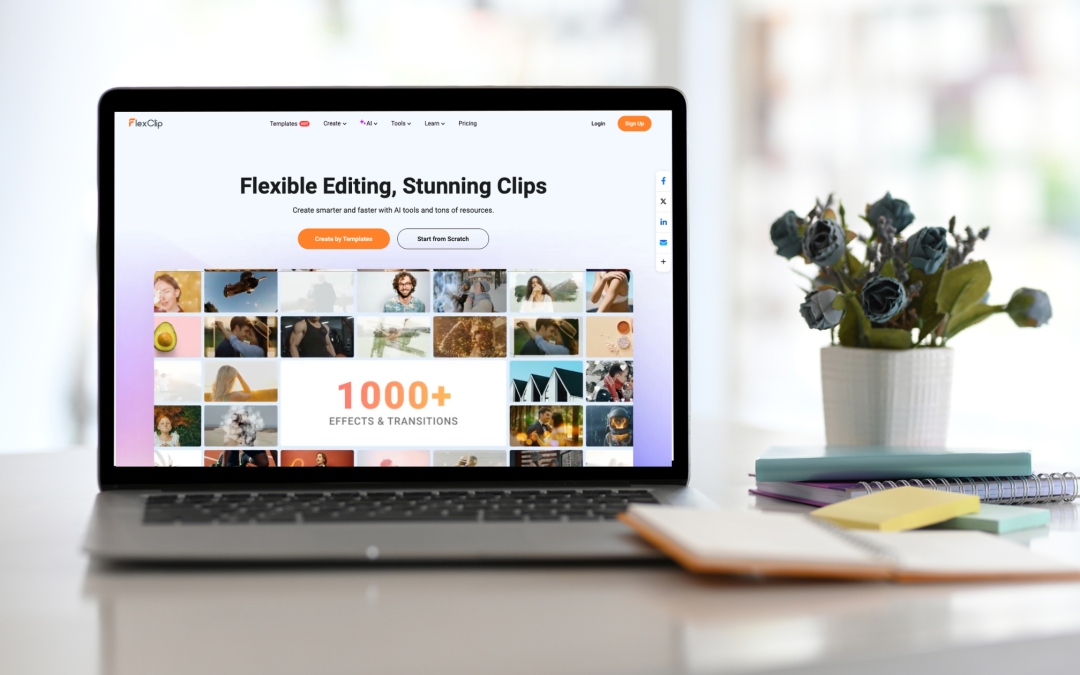
FlexClip for Business: The Ultimate Tool for Flexible Editing and Stunning Clips
When you are a small business and need to create videos, but can’t afford the cost of a videographer at this stage, then I have a great tool for you to check out. FlexClip is your video editing one-stop shop. Allow me to explain.
FlexClip is one such tool that empowers businesses to create professional-grade video content with ease, combining flexible editing features, AI-driven tools, and a wide range of resources designed to save time and elevate creativity.
Why FlexClip is Ideal for Business Use
Flexible Editing for Customised Content
FlexClip offers an intuitive and user-friendly interface, making it accessible to users of all skill levels. Whether you’re a novice or a seasoned video editor, FlexClip allows you to create tailored video content that aligns with your brand’s goals. With its drag-and-drop functionality, real-time preview, and wide selection of editing tools, you can effortlessly cut, trim, split, and rearrange video clips to create polished content. Flexibility is key, and FlexClip ensures that your videos can be edited quickly and precisely without the need for complex software.
AI Tools for Smarter, Faster Video Creation
Time is a valuable asset for any business, and FlexClip helps you save it with AI-powered tools designed to simplify the video creation process. Features like auto subtitle generation, background noise removal, and smart text-to-speech converters allow businesses to produce professional videos in a fraction of the time. By automating these tedious tasks, FlexClip frees up valuable time for more strategic and creative decision-making, ensuring faster turnaround times for your video projects.
Access to a Vast Library of Resources
FlexClip provides access to a huge library of stock footage, images, music, and customizable templates that are perfect for business use. Whether you’re producing a product demo, social media ad, corporate training, or internal communications video, FlexClip’s vast selection of resources ensures that you can create visually stunning and engaging content. From royalty-free music to video transitions and overlays, the platform is packed with everything you need to bring your creative vision to life.
Brand Consistency with Customisation
Maintaining brand consistency across all content is critical for businesses, and FlexClip excels at helping you stay on-brand. You can easily upload your own logos, fonts, and colour schemes to ensure every video reflects your business identity. With FlexClip, your videos are not only visually appealing but also aligned with your brand’s messaging and aesthetics.
Cross-Platform Integration for Maximum Reach
FlexClip allows for seamless cross-platform sharing, making it easy to export your videos in different formats suited for various platforms, including social media, websites, and email marketing campaigns. Whether you’re creating videos for Instagram, YouTube, LinkedIn, or your company’s internal portal, FlexClip’s export options ensure optimal quality and compatibility.
Cost-Effective Solution for Businesses
Investing in high-end video editing software can be costly, but FlexClip provides a cost-effective alternative without compromising quality. With scalable pricing options, FlexClip caters to businesses of all sizes, offering essential tools for small startups and expansive features for larger enterprises. By providing businesses with the resources they need at a fraction of the cost, FlexClip ensures a high return on investment for your video marketing efforts.
Key Benefits for Businesses Using FlexClip:
- Efficiency: AI-driven tools streamline the editing process, reducing time spent on manual tasks.
- Professional Quality: Access to a wide array of templates, stock footage, and high-quality effects for polished results.
- Scalability: Perfect for businesses of all sizes, from startups to established enterprises.
- Creativity: Customisable options allow you to create visually compelling and unique content.
- Cost-Effective: A budget-friendly alternative to high-end editing software.
FlexClip is more than just a video editor – it’s a comprehensive solution designed to help businesses create stunning, professional-quality video content quickly and efficiently. With its flexible editing features, AI tools, and vast library of resources, FlexClip empowers businesses to streamline their video production process and focus on delivering impactful content that resonates with their audience. Whether you’re looking to enhance your marketing efforts, improve internal communication, or elevate your social media presence, FlexClip provides the tools you need to succeed.
Embrace smarter, faster video creation with FlexClip and unlock the potential of your business content today!