How I Use FlexClip to Create Website Introduction Videos for Clients
When someone visits your website for the first time, you only have a few seconds to capture their attention.
One of the most effective ways to do that is through video.
Website introduction videos help visitors understand who you are, what you offer, and why they should work with you.
For many of my clients, I create these videos using FlexClip.
Why Website Videos Matter
People consume content differently online today.
Instead of reading long blocks of text, visitors prefer quick visual explanations that help them understand a business quickly.
A short introduction video on your website can:
-
Build trust with visitors
-
Explain services clearly
-
Increase time spent on your website
-
Help people connect with the person behind the brand
For service-based businesses especially, video helps potential clients feel more confident about reaching out.
Why I Use FlexClip for Website Videos
When creating introduction videos for clients, I need something that is efficient but still produces high-quality results.
FlexClip makes that process simple.
Easy to Create Professional Looking Videos
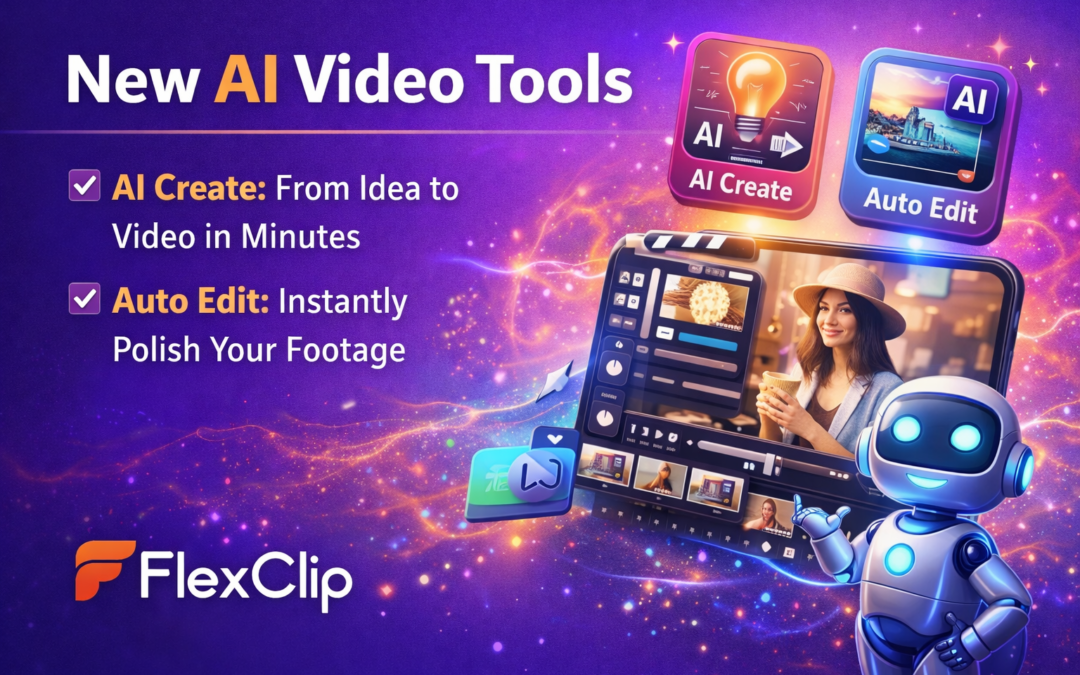
FlexClip allows you to create business videos quickly using built-in templates and editing tools.
Instead of building every element manually, I can:
-
Choose a template
-
Add the client’s photos or video clips
-
Insert branding colours and text
-
Add music or voiceover
Within minutes we have a polished video ready for their website.
Large Library of Stock Media
Another benefit is the built-in library of stock images, video clips, and music.
FlexClip gives you access to a large collection of media assets, which makes it easier to create visually engaging videos even when clients do not have professional footage available.
This is especially helpful for small businesses that are still building their brand content.
Ideal Length for Website Videos
Most website introduction videos work best when they are short and clear.
Typically I recommend videos between 30 and 90 seconds.
This gives enough time to introduce the business, explain the offer, and build a connection without overwhelming the viewer.
FlexClip makes it easy to trim clips, adjust timing, and structure the story so the video flows smoothly.
When Website Introduction Videos Work Best
Not every website needs a video, but many businesses benefit from them.
I often recommend website introduction videos for:
-
Coaches and consultants
-
Personal brands
-
service-based businesses
-
course creators
-
speakers and authors
These types of businesses rely heavily on trust and connection, and video helps establish both.
Templates That Help When You Feel Stuck
One feature I particularly appreciate in FlexClip is the template library.
Sometimes you know what message you want to communicate but you are not sure how to structure the video.
Templates help solve that problem.
They provide ready-made video structures that guide the storytelling process and help you turn your ideas into a finished video quickly.
Bringing Your Website to Life With Video
Video is becoming an essential part of digital marketing.
Whether you are creating reels for social media or introduction videos for your website, having the right editing tool makes the process much easier.
FlexClip allows business owners and marketers to create professional videos without the complexity of traditional editing software.
For me, it has become one of the simplest ways to create engaging video content for clients and help their websites feel more dynamic and personal.