Why FlexClip Is My Go-To Tool for Creating Social Media Reels for Clients
Video content is no longer optional for businesses. Whether you are building a personal brand, running a service-based business, or selling products online, short-form video is one of the most powerful ways to connect with your audience.
As a digital marketer managing social media for clients, I am constantly creating reels, short videos, and website intro clips. Over the years I have tried many video editing tools, but one platform I keep returning to is FlexClip.
It has become one of my favourite tools because it makes creating professional looking videos quick, simple, and surprisingly enjoyable.
What Is FlexClip?
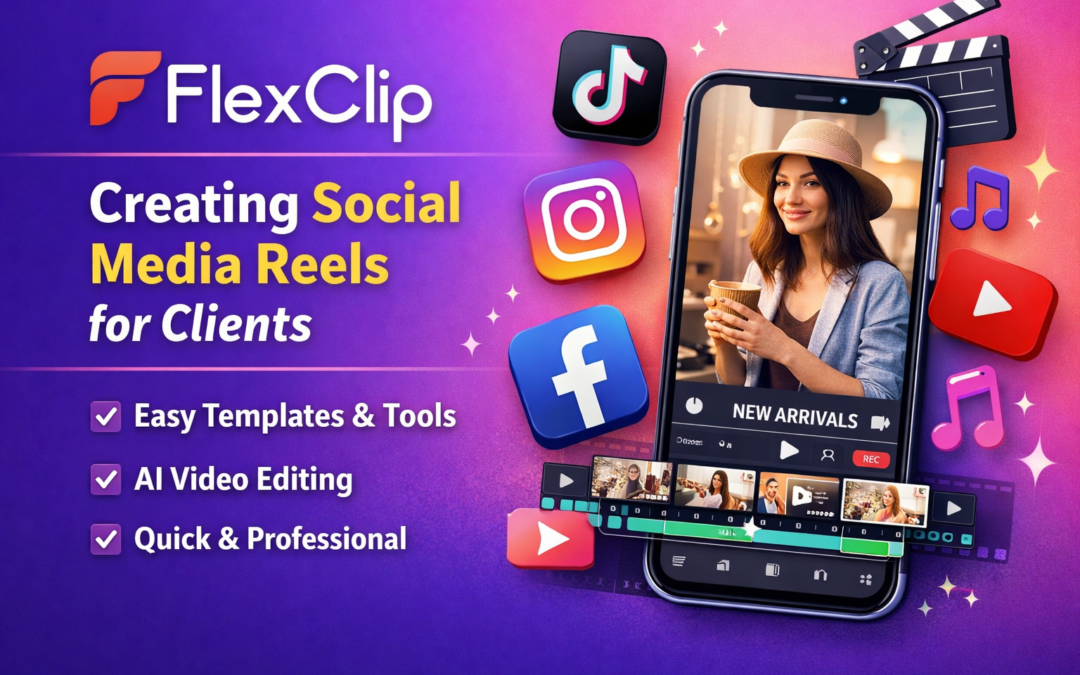
FlexClip is an online video editor designed to help creators and businesses produce professional videos quickly without needing advanced editing skills. The platform includes AI tools, templates, stock media, music, and simple drag-and-drop editing features.
Instead of spending hours editing videos manually, FlexClip allows you to build engaging content in minutes.
For busy business owners or social media managers like me, that efficiency is incredibly valuable.
Why I Use FlexClip for Client Reels
Creating reels for clients means producing consistent content that looks polished while staying on brand.
FlexClip helps me do that quickly.
Here are some of the reasons it has become part of my regular workflow.
It Makes Video Creation Fast
When you manage multiple client accounts, speed matters.
FlexClip allows you to upload footage, trim clips, add music, include captions, and export a finished video without complicated editing processes.
Because everything is browser-based, there is no software to download or update.
You simply log in and start creating.
The Templates Are a Lifesaver
One of the things I love most about FlexClip is the huge range of templates.
Some days creativity flows easily. Other days you stare at the screen wondering where to start.
That is when templates become incredibly useful.
FlexClip offers professionally designed templates for social media, promotional videos, business intros, and more.
Instead of building a video from scratch, you can choose a template, swap in your client’s content, adjust colours or text, and export.
It saves hours.
Perfect for Short-Form Content
FlexClip makes it easy to adjust the aspect ratio of videos so they work across different platforms.
Whether you are creating content for:
-
Instagram reels
-
TikTok
-
YouTube shorts
-
Facebook videos
-
LinkedIn posts
You can optimise the video size in one click.
This is especially helpful when repurposing the same video across multiple platforms.
Built-In AI Tools Help Speed Up the Process
FlexClip also includes several AI features that make content creation faster.
Some of the tools I regularly use include:
-
Automatic subtitle generation
-
AI text-to-video creation
-
Voiceover tools
-
Script generation assistance
-
AI image tools
When you are producing content regularly for multiple clients, these features help streamline the process and save valuable time.
A Great Tool for Beginners and Professionals
One of the best things about FlexClip is that it works for both beginners and experienced marketers.
You don’t need professional editing skills to create great looking videos. The interface is simple and intuitive, which means even someone new to video editing can produce professional results quickly.
At the same time, it offers enough flexibility for marketers and content creators who produce video content regularly.
Why It Has Become Part of My Content Workflow
FlexClip has become one of those tools I rely on regularly when creating social media content for clients.
It allows me to produce reels quickly, maintain brand consistency, and keep content flowing without spending hours editing videos.
For business owners who want to show up consistently online, tools like this make video marketing far more manageable.
If you are creating regular video content for your business, FlexClip is definitely worth exploring.