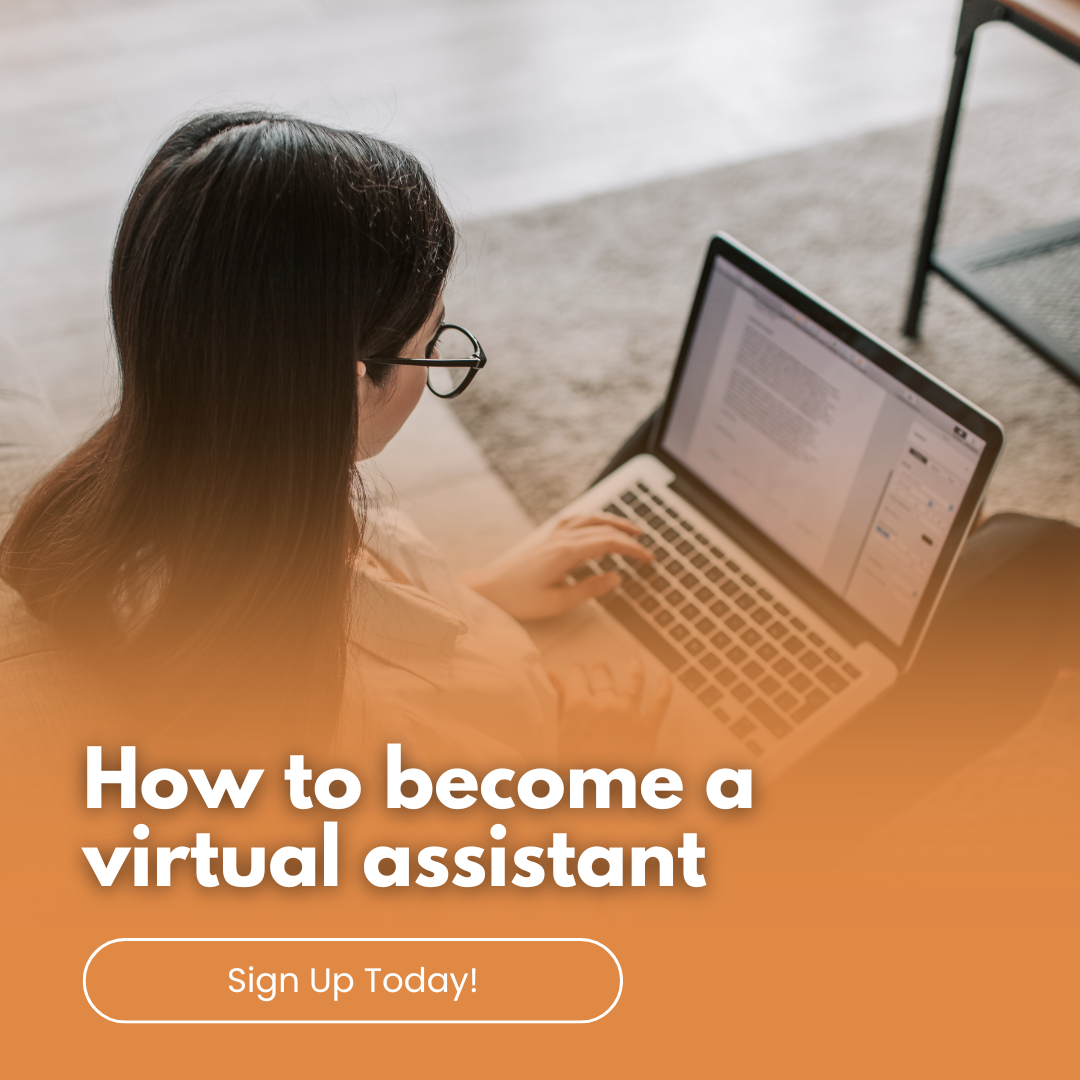
How to start working with a virtual assistant

How to start working with a virtual assistant

Your business is growing, and you're ready to bring someone onto your team because you can no longer manage everything on your own. However, you don't have the budget or need for a full-time employee, so the next best option is to hire a Virtual Assistant (VA).

What is a Virtual Assistant (VA)?

A VA is a business owner who provides support services to other businesses across various areas, such as administration, social media, graphic design, newsletters, online content management, project management, ghostwriting, and more.

VAs offer different services depending on their business. You can click here to see the services I provide.

Benefits of working with a VA

You can hire VAs on a project basis, for a set number of hours per week or month, or on a retainer package. This is something you can arrange with the VA service you wish to engage.

Where to start when hiring a VA

Before contacting VA businesses, I recommend writing a list of all the tasks you feel you need help with. Some tasks may fall under one area, while others could be more ad-hoc or one-off requirements.

Once you have an idea of the tasks you need assistance with, you can contact a few VA businesses, explain what you need help with, and ask what other services they offer.

If you're unsure what you need help with but know you need support, don’t hesitate to ask VA businesses about their services. Also, ask your friends for recommendations—they may already work with a VA service or know of several businesses to recommend.

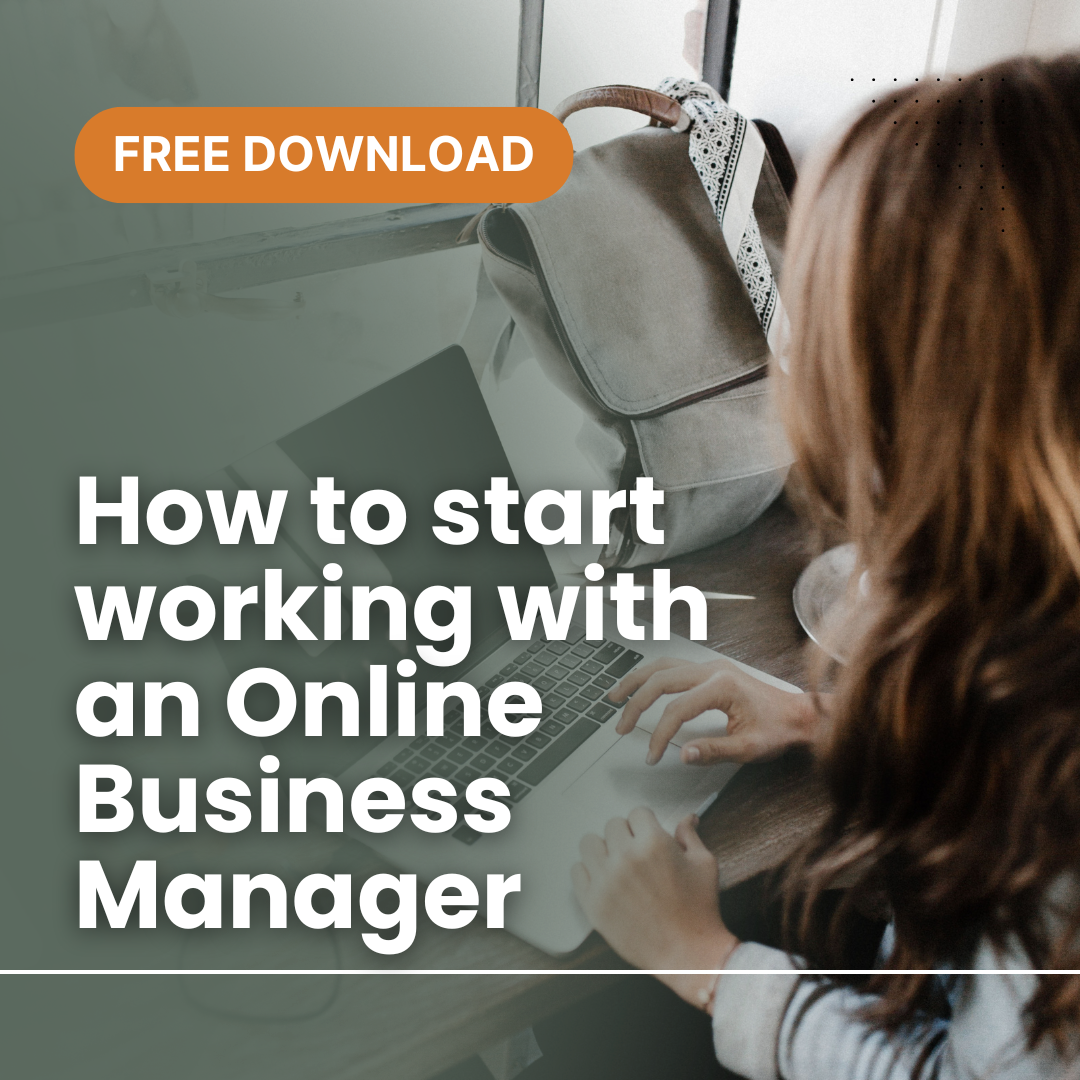
Alternatively, you can register your details here and grab a copy of my free guide to help you get started.

How do I know which VA business to choose?

As a business owner, it's important to trust that your work will be done to the standard you expect. It’s crucial that the VA gives you confidence in their abilities. Working with a VA is like any other working relationship—sometimes personalities align perfectly, and other times they don’t. If a relationship doesn't work out, don’t see it as a failure. Instead, view it as a learning experience. Identify what worked, what didn’t, and implement strategies to ensure smoother collaboration in the future. Be open and honest about why it didn’t work.

Sometimes, the simplest issues can cause a relationship to break down, such as unclear instructions or communication, unspecified deadlines, unreasonable expectations, failure to respond to emails (on either side), or simply not being on the same wavelength.

How to ensure success with your VA

Find the best system for you and your VA to communicate tasks, deadlines, information, and any other necessary instructions. There are many free tools available that can improve virtual communication. Check here for my suggested tools.

In my business, I adapt to various formats and styles because my goal is to simplify my clients’ lives. I work in their preferred style to reduce stress in their already busy business lives. However, if I see a way to save time and money, I’ll always offer suggestions.

Can I afford a VA?

Yes, you can. VAs work globally and charge a variety of rates. It all depends on your business needs and preferences, not just the cost.

If you'd like to know more or have a chat about VA services, feel free to contact me.

10 Steps To Help You Control Toxic Business Relationships

10 Steps To Help You Control Toxic Business Relationships

Business relationships are just like that of any other relationship, they need to be continuously worked at, you should never take them for granted and you should treat it with the respect it deserves. However, the reality is some relationships can be very toxic.  You might be showing the signs and not even realising it. Are you finding the minute you see an email has arrived from them you're cringing or feeling overwhelmed? 

In being toxic, they can cause you stress, emotional and physical exhaustion, bouts of feeling overwhelmed or self-doubting, hurt (lots of it), anxiety and worst can leave you with an experience you wouldn’t wish on anyone.

Some signs of what toxic relationships can be;

Scenario #1:

The business colleague that uses you for their gain, announces themselves to be all things YOU, when in fact they’re all things THEM. You give, give, give, and they take, take, take.

Scenario #2:

You’re working with someone who is constantly taking your ideas and presenting as theirs.

Scenario #3:

You find yourself starting to think you’re not good enough because they have been continuously telling you so, or they’re telling you your ideas are not that great and finding ways to put you down. You may even find you're suddenly making errors you wouldn't normally make.

Scenario #4:

Working with someone who’s abusive and belittling you in their manner when speaking and emailing you.

Scenario #5:

They simply start saying unprofessional things behind your back.

Scenario #6:

They constantly demanded things from you and no matter what you deliver, they criticise you constantly. They never accept their part in any situation, the blame is constantly thrown your way. 


Sound familiar? 


It’s definitely not one of life’s finer moments!


You are a valuable person and you don’t deserve to be treated otherwise.

Sometime these people don’t even realise what they’re doing, and their behaviour is at times a result of they way they’re being treated in their own life. Be mindful of this fact. If you are comfortable and the opportunity presents itself, talk to them. Tell them how they treat you and how it makes you feel.


It's so important to remember when dealing with these toxic people, that you main your professionalism no matter what they try to throw at you.

Some of these steps are:

  1. Politely and quietly distance yourself from them.
  2. Don’t be so willing to ‘share’ all your ideas.
  3. Be guarded on what information you’re telling them.
  4. Maintain your professionalism at all times, and don’t let them allow you to compromise it.
  5. Stand strong. Remember this fact, they need you…otherwise they wouldn’t be carrying on like this in the first place.
  6. Don’t be so readily available for them. Make them book a time with you or limit the times you spend responding to their emails.
  7. Be strategic in what you are willing to give and do.
  8. Pre-plan your responses. Map out in your head a set NO responses for the various requests they frequently seek from you.
  9. Be honest with yourself, don’t keep convincing yourself you have to put up with this.
  10. Surround yourself with people who believe in you and encourage you, you have no room for anyone else.


Don’t be hard on yourself if you have experienced this or currently are experiencing this. We all do at some point, and more often than not, out generous natural can be an attraction to these types of people.

You want to learn from your experience, put practices into place to prevent it happening again (doesn’t necessarily mean it won’t happen again, as every person is different) and always be true to yourself and your values.

When you are working with the right people, who are aligned to you, you will find your relationship flourishes. 

How to set up canned responses in your MAC Mail

How to set up canned responses in your MAC Mail

How to set up canned responses in your MAC mail.  A great time saver in business, especially when sending the same frequent email to multiple parties is to create a template or as it’s know as a ‘Canned Response’.

Here are the steps to creating your MAC Mail Canned Response.

  • Open your MAC Mail
  • Go to your menu header ‘Mail’
  • Click on ‘Preferences’
  • Click on Signatures
  • Click on your email account that you would most likely send that email from.
  • Click on the ‘+’ to add a new signature
  • Title your new template email, in my example I have used ‘VA Service Enquiry’
  • Write your 'canned' response
  • Go back to your emails
  • Open and email to send, click on the 'signature' drop down menu and select your 'canned' response
  • Make any necessarily adjustment to personalise it to your sender
  • Send!
  • If you are a Gmail user, you can also do this using these instructions 'How to set up canned responses in Gmail'.

    If you have any questions, please feel free to post them below.  Otherwise, I hope this process saves you a lot of time.

    How to set up canned responses in Gmail

    How to set up canned responses in Gmail

    How to set up canned responses in Gmail.  If you are frequently sending the same type of email to customers or clients, you can create a template, or as known in Gmail as ‘Canned responses’.   Here are step by step instructions to help you along.

    1. Log into your Gmail account.
    2. Go to Settings
    3. Click on Labs
    4. Scroll to Canned Responses and Enable, then Save.
    5. Type up your template email content only, and then select it all.
    6. Click on the down arrow, and the dropdown menu will show ‘canned responses’ and a sub directory ‘new canned response’. Click new canned response.
    7. You have now created your ‘canned response’.  Now to test it.
    8. Create a new email.
    9. Click on the down arrow, select canned responses.
    10. Select your created canned response and it will insert automatically.

    If you have any questions, please feel free to post them below.

    How to download videos from Closed Facebook  Groups

    How to download videos from Closed Facebook Groups

    Creating Facebook lives or videos in a private Facebook group, however you want to repurpose it for elsewhere. Here are some instructions on how to download videos from closed Facebook groups.

    To do this, you need to use Google Chrome.

    1. Open up your video in your Facebook group.

    2. Click to open the video to the full page view.

    3. Right click on the video to show the video URL.

    4. Copy the URL.

    5. Paste the URL into a new browser address bar, and replace the ‘www’ with ‘m’.

    6. The page will reload.

    7. Click the right mouse button and click on Inspect

    8. A windowpane will appear the bottom of your screen

    9. Click on the Network tab

    10. Click on the sub tab Media

    11. The start playing the video and you will see the name appear in the bottom section of the window pane

    12. Double click on the video name and it will open into a new browser page

    Click on the 3 dots and click download.

    Now you can repurpose and reuse your video elsewhere.

    6 things NOT to do when hiring a virtual assistant

    6 things NOT to do when hiring a virtual assistant

    You are finally giving yourself that well deserved reward of having an assistant help you in your business. Before getting carried away in outsourcing everything, here are some things to be aware off that will help prevent you having an awful first time experience in outsourcing.

    (more…)

    You are finally giving yourself that well deserved reward of having an assistant help you in your business. Before getting carried away in outsourcing everything, here are some things to be aware off that will help prevent you having an awful first time experience in outsourcing.

    (more…)